

Customer markup rates
Cost-Plus Pricing Engine that empowers Managed Service Providers (MSPs) to configure custom markup rates on downstream client subscriptions and services.
.png)
Project
Overview
Cloud platforms like HPE GreenLake must be flexible enough to handle different customer setups. The deployment of HPE GreenLake should be able to adapt to customer needs from a single setup at the edge, a few workspaces joined together to share services, or many separate workspaces to keep data isolated and secure. This scaling ability means that no matter how much a business grows, its control, management, and billing always stay together in a centralized place.
For Managed Service Providers (MSPs), the platform lacks both a client-specific tier pricing showback view and a functional cost-plus mechanism to define markups. This deficit hides true client contract values, blocks automated tenant reporting, and leaves account managers without native tools to display marked-up consumption directly within the interface.
Role
Lead UX Designer
Timeline
OCT. 2025 - NOV. 2025
Media mentions
Discovery
Understanding why this capability is needed by MSP's
In my initial discovery meetings with Product Management and Engineering teams, the primary drivers that were identified and discussed behind why Managed Service Providers (MSPs) must mark up client cloud services and subscription rates:
-
To offset hidden operational costs: Markups cover the unseen expenses of day-to-day infrastructure management and continuous client support.
-
To fund risk mitigation: MSPs absorb immediate financial hits from security breaches, configuration errors, and emergency vendor payouts.
-
To sustain engineer expertise: Higher margins fund the ongoing training and advanced technical certifications required to keep engineering teams sharp.
-
To invest in enterprise tools: Markups offset the steep costs of top-tier Software as a Service (SaaS) platforms used to monitor and manage client environments safely.
How standard accounts track usage and manage showback rates for pay-per-use services
A current service in HPE GreenLake catalog is Consumption Analytics which is a native service of the HPE GreenLake Cloud platform. It gives admins of those standard accounts a single, clear look at all their hybrid cloud usage and costs through three key capabilities:
-
Custom views: Teams can sort and look at the data in different ways to fit their specific needs.
-
Showback reporting: Powerful tools show exactly how cloud spending connects to real business activities.
-
Showback rates: Organizations see their pay-per-use subscription costs using the custom prices they enter themselves.


Goals
So for MSP's the goals for administrators:
-
MSP admins need a list of their clients with a status of whether or not the mark rates have been defined.
-
MSP admins need to be able to view billing estimates for each of their clients at the marked up rates, and billing estimates at the wholesale rates.
-
MSP admins need to able to set the rates, with markups, that my clients will pay for the services or subscriptions I have contracted to them.
Functional requirements
-
As an MSP, for each of my client workspaces/tenants. I want a UX that allows me to see the defined contract rates for every service or subscription, and to define the markup rates.
-
Users should be able to specify a markup margin for their downstream tenants per subscription instance per meter. User should be able to specify a percentage markup or an absolute value. User should be able to use a mix of percentage and absolute value for different meters in a subscription instance.
-
Correction/Revision
-
In case HPE base rate is corrected and the MSP user has set direct markup, send the notification to MSP user that they need to set up markups again and clear out the direct markup value.
-
In case HPE base rate is corrected and the MSP user has set percentage markup, send the notification to MSP user that they need to set up markups again.
-
In case HPE base rate is deleted for a meter, this can happen when a new price plan is added. This will mean the specific meters is not processed, including the historical usage. The markup rate for this meter should not be available anymore.
-
New meter is being added:
-
The MSP user should get a notification to enter the markup rate.
-
The markup rate status for this subscription is considered as undefined.
-
-
Notification to the MSP user about verifying the markup rates in case of any change in base rates.
-
Notification needs to be per subscription key.
-
Notification needs to be shown to the users who have markup rate permissions.
-
If the user marks the notification as read and does not update the markups, the notification will reappear as unread after two weeks.
-
-
-
Deletion of a subscription key from workspace:
-
Markup rates for that subscription key are also deleted.
-
-
In case a new customer workspace is added:
-
Notification needs to be sent to users who have mark up rate permissions. This notification needs to be generated only once per customer workspace.
-
If the user marks the notification as read and does not add the markups, the notification will reappear as unread after two weeks.
-
-
Consumption Analytics (CA) should be able to pull costed usage records for different rates based on the tenant relationship.
-
RBAC: Markup rates edit capability in available only in the MSP workspace; MSP user should have permission to view/edit markup rates.
-
Two permissions required: Manage and View.
-
-
Notification scenarios:
-
When a new customer workspace is added.
-
When a new meter is added to base rate.
-
When an existing meter is deleted from base rate.
-
When an existing base rate is revised or corrected.
-

Define
The problem
While HPE GreenLake Consumption Analytics allows standard organizations to easily set and view custom showback rates for pay-per-use subscriptions, this feature is currently limited to standalone workspace environments.
For Managed Service Providers (MSPs), the lack of this capability creates a significant operational challenge:
-
The MSP administrator dilemma: Service providers cannot natively input their custom markups or client-specific pricing models within the platform.
-
The client visibility gap: End clients cannot view their actual, contracted billing rates directly inside their dashboard, leading to confusion.
-
Manual workarounds: MSP teams must manually calculate, export, and report cloud costs outside of the system to cover their hidden operational fees and risk mitigation costs.


Ideation
Initial manage markup rate flow
In my initial user flow design for managing MSP markup rates, I prioritized simplicity by implementing a linear, customer-by-customer approach. Then quickly reviewed it with the product manager to gather some feedback on before moving directly into mid-fidelity wireframes.

Feedback
-
"MSP administrators need the ability to manage markup rates for multiple customers simultaneously, rather than one by one." - Product Manager
-
"Can there be a bulk action on the customer page?" - Product Manager
-
"MSP administrators should be aware which customers they have not defined markup rates for." - Product Manager
Mid-fidelity wireframes
After receiving initial feedback from the Product Manager on the flow I quickly moved to designing the happy path for managing customer markup rates and facilitated a design critique soon afterwards to gather more feedback to iterate further.

Feedback loop indicators
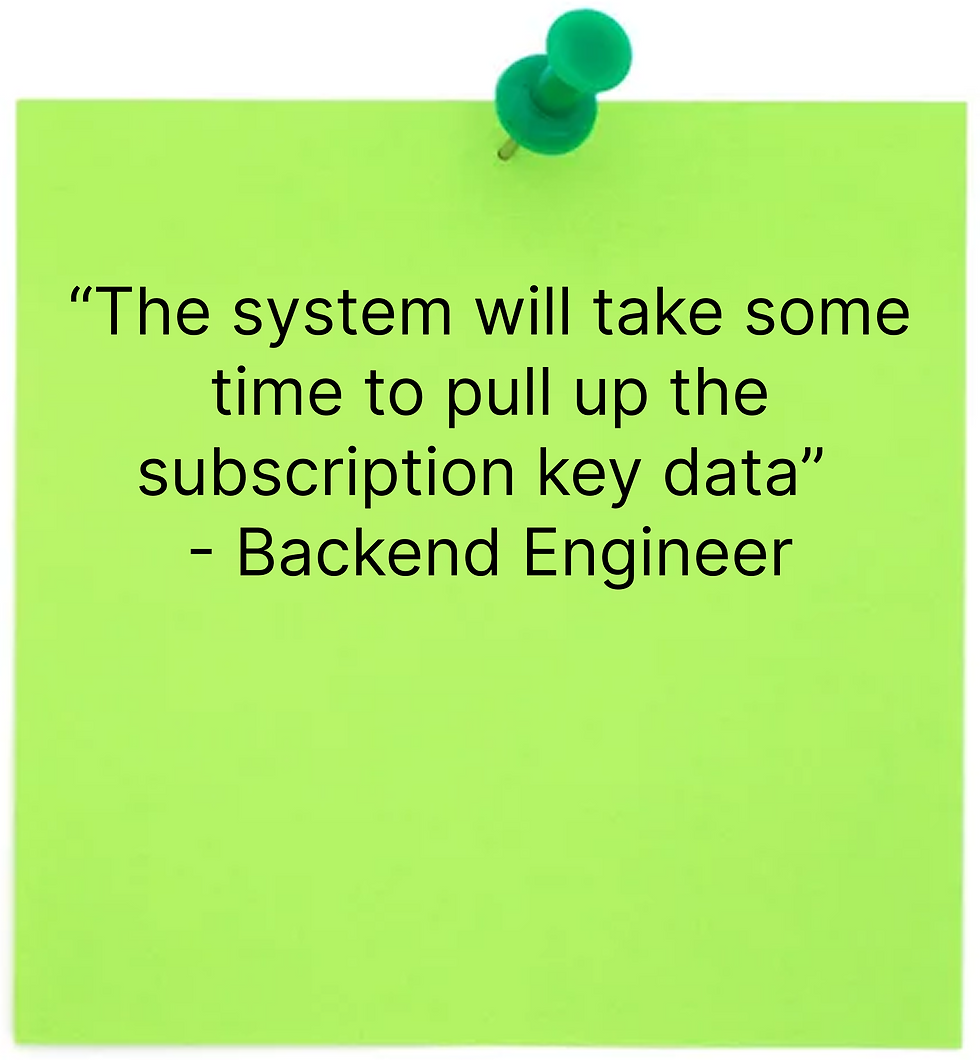
Next, I synced with the front-end engineers to identify key moments in the workflow requiring clear system status indicators and loading states.
Error handling use cases
Next, I synced with the front-end engineer team to uncover potential edge cases and errors that would require additional designs.


Changing preexisting markup rate use cases
In the scenarios:
-
Changing markup rates within the customer details page.
-
Meter base rate has changed and has a percentage markup rate.
-
Meter base rate has changed and has a direct value markup rate.
-
New meter rates are added to a subscription.


Design
Mid-fidelity wireframes
After receiving initial feedback from the Product Manager on the flow I quickly moved to designing the happy path, managing customer markup rates and facilitated a design critique soon afterwards to gather more feedback to iterate further.
Next steps
Future functionality
-
Users in tenant workspace should be able to only view markup rates; the tenant user needs to have permissions to view markup rates. Users in tenant workspaces should not be able to view markup rate percentage or HPE base rates.
-
Support markups for MSP services in the cloud.